Create Beautiful Profile Frames
Design custom frames for your LinkedIn profile picture in seconds
Why Use Frame Generator?
Fully Customizable
Choose your colors, add custom text, and adjust positioning. Create frames that match your personal brand perfectly.
Instant Results
No sign-up required. Upload your photo, customize your frame, and download in seconds. It's that simple.
Privacy First
Your images never leave your browser. All processing happens locally on your device - we never see your photos.
100% Free
No hidden fees, no watermarks, no premium tiers. Frame Generator is completely free for everyone.
How It Works
Upload Your Photo
Start with your existing profile picture or any photo you want to use.
Choose or Customize
Pick from 35+ presets or create your own custom frame with colors and text.
Download & Use
Download your framed photo and upload it to LinkedIn, Twitter, or any platform.
Perfect For
🔍 Job Seekers
Add "Open to Work" frames or highlight your skills to stand out to recruiters.
💼 Professionals
Showcase your role, certifications, or company affiliation with branded frames.
🎯 Personal Branding
Create consistent visual branding across all your social media profiles.
🌟 Causes & Events
Support causes you believe in or promote events and conferences you're attending.
Trusted by Professionals
Join thousands of professionals who use Frame Generator to enhance their LinkedIn presence
Ready to Stand Out?
Create your custom profile frame in less than 2 minutes. No sign-up required.
Latest Articles
Tips and guides to help you make the most of your LinkedIn profile

Frame Your Face with a Custom Banner 🖼️

Spice Up Your LinkedIn Profile with Emojis 💥
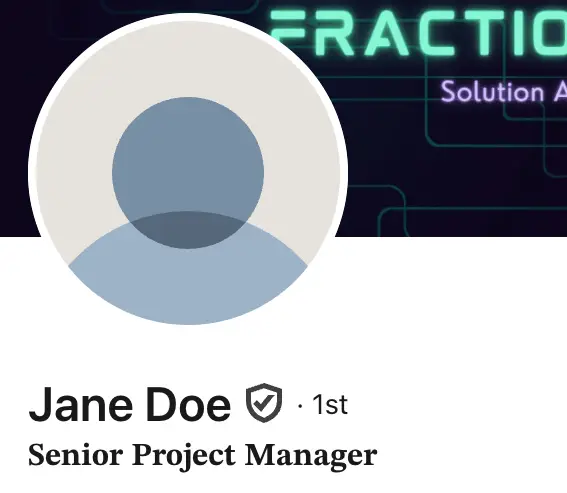
Stand Out with 𝑪𝒖𝒔𝒕𝒐𝒎 𝑭𝒐𝒏𝒕𝒔 on LinkedIn 🖋️

LinkedIn Profile Photo Best Practices for 2026

Personal Branding on LinkedIn: A Complete Guide

How to Choose the Right Colors for Your Profile Frame
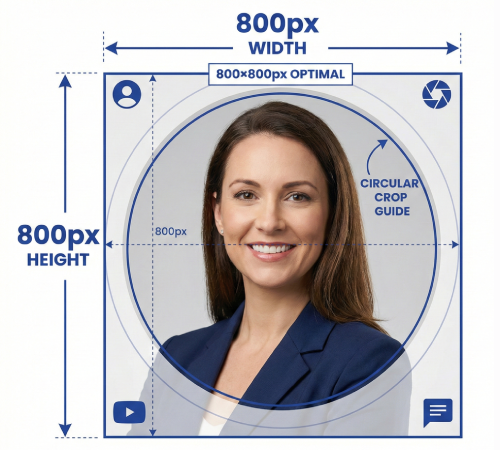
Profile Picture Dimensions Guide for All Social Platforms

Professional vs. Casual Profile Pictures: Which is Right for You?
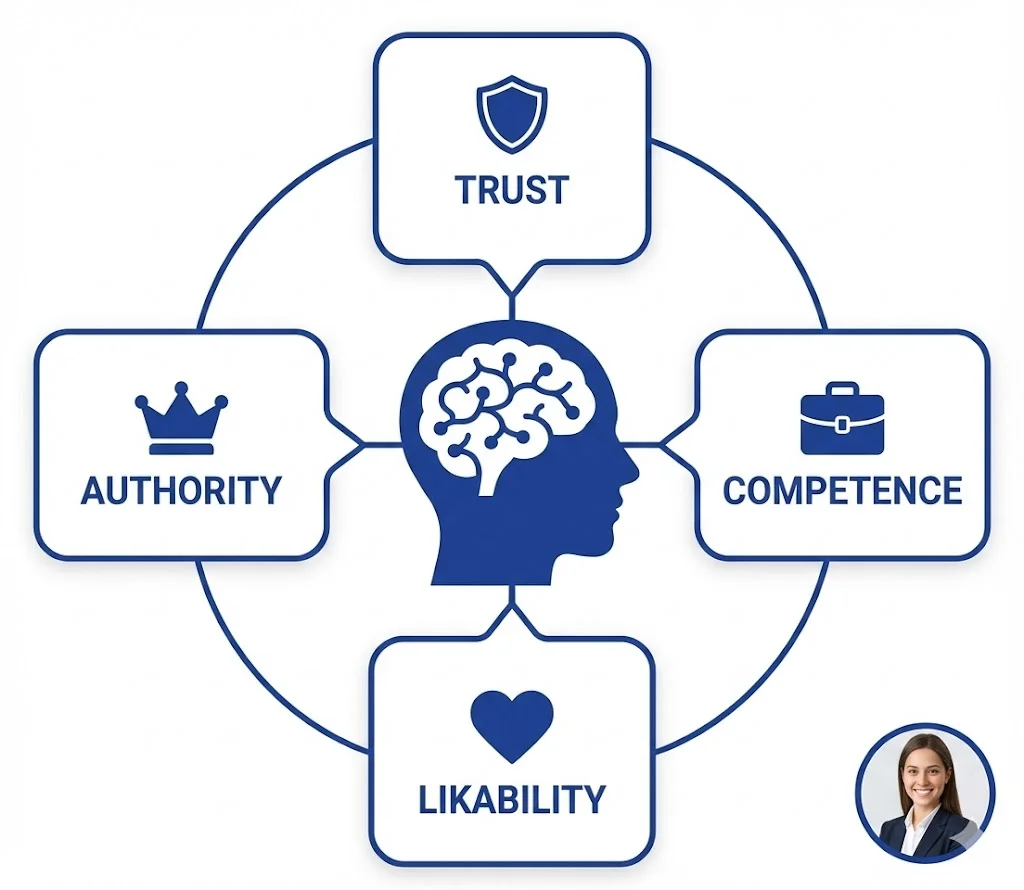
The Psychology of Profile Pictures in Professional Networking
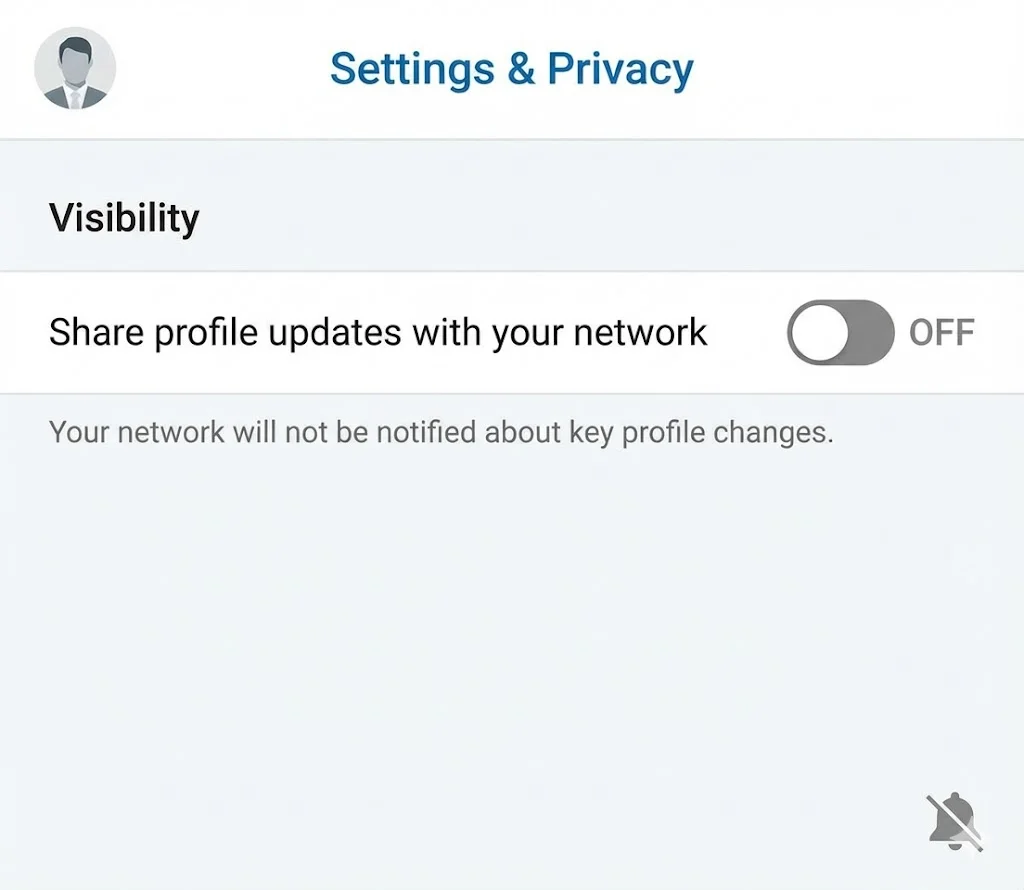
How to Update Your LinkedIn Profile Picture Without Notifying Everyone
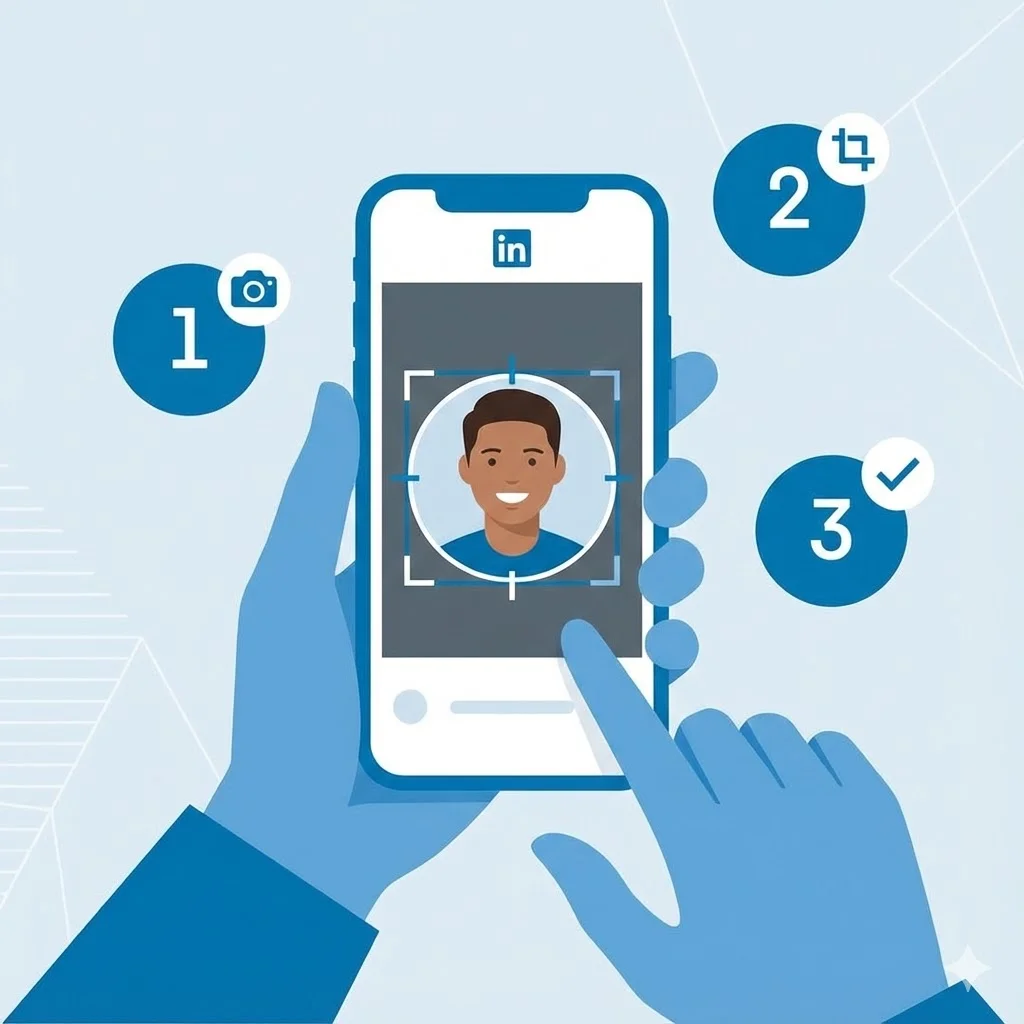
Step-by-Step Tutorial: Creating Your First Custom LinkedIn Frame
15 Common LinkedIn Profile Mistakes (And How to Fix Them)