Spice Up Your LinkedIn Profile with Emojis 💥
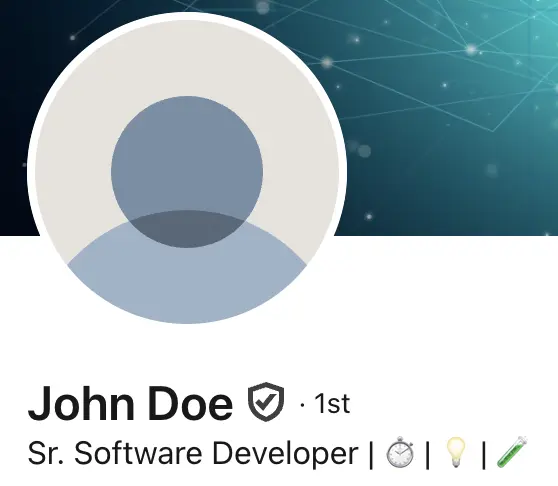
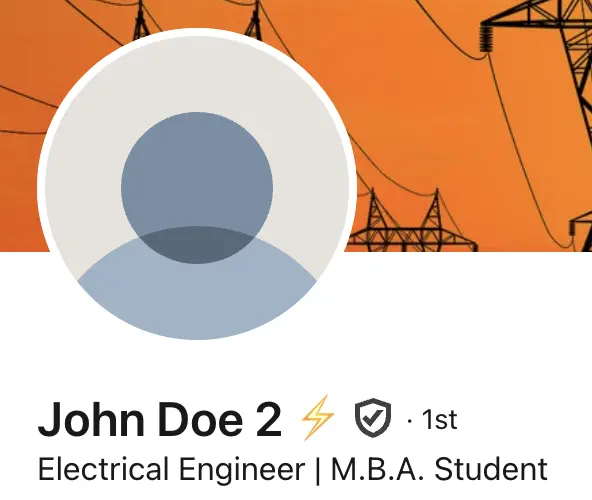
Think emojis are just for teenagers and texting? Think again! Used strategically, emojis can add personality and visual interest to your LinkedIn profile, making you more memorable and helping your content stand out in crowded feeds and search results.
In a professional platform where everyone uses the same font and formatting, emojis offer one of the few ways to add visual distinction to your profile. When used thoughtfully, they can increase engagement, improve readability, and showcase your personality without compromising professionalism.
The Data: LinkedIn posts with emojis receive, on average, 30-40% higher engagement than posts without. While profile sections work differently than posts, the principle remains: visual elements capture attention in a text-heavy platform.
From the Creator: When building Frame Generator, I noticed how much small visual elements like emojis and custom frames increase profile engagement. The strategies below are based on patterns I've observed across thousands of LinkedIn profiles that use our tool alongside smart emoji placement.
Why Emojis Work on LinkedIn
Emojis serve several strategic purposes on professional profiles:
- Visual Scanning: Recruiters spend an average of 6-7 seconds scanning a profile. Emojis create visual anchors that guide the eye to important information.
- Breaking Up Text: Long blocks of text are intimidating. Emojis create natural breaks that make content more digestible.
- Conveying Personality: Emojis humanize your profile and signal approachability, which matters in relationship-driven industries.
- Memorability: A well-placed emoji in your headline makes you more recognizable when your name appears in feeds and search results.
Profile Headline Strategies
Your headline appears everywhere - in search results, connection requests, and comments. A strategic emoji can make you stand out instantly.
Effective Examples:
"Marketing Manager 📈 | Helping B2B companies scale"
"Content Writer ✍️ | Turning complex ideas into clear stories"
"Software Engineer 💻 | Building products that matter"
"HR Director 🤝 | Creating workplaces where people thrive"
Notice how each emoji reinforces the role rather than decorating randomly. The chart emoji for marketing suggests growth metrics. The writing emoji for content work shows the craft. The handshake for HR emphasizes relationship-building.
About Section Enhancement
The About section is your opportunity to tell your professional story. Emojis can structure this narrative and highlight key achievements.
Structuring Your About Section:
🎯 What I do: Help startups build their first engineering teams
💡 My approach: Data-driven recruiting with a human touch
🏆 Results: Placed 50+ engineers at companies like [X, Y, Z]
📫 Let's connect: Open to discussing your hiring challenges
This format creates scannable sections while maintaining professionalism. Each emoji serves as a visual header that guides readers through your story.
Experience and Skills Sections
Use emojis to draw attention to specific achievements or responsibilities within your experience descriptions.
Achievement Highlighting:
🚀 Increased sales by 40% in first quarter through new outbound strategy
📊 Built analytics dashboard serving 10,000+ daily users
🌍 Expanded operations to 5 new international markets
👥 Grew team from 3 to 15 while maintaining culture
Industry-Specific Emoji Recommendations
Different industries have different norms. Here's a guide to appropriate emoji usage by sector:
Best Practices for Professional Emoji Use
Follow these guidelines to maintain professionalism while leveraging the benefits of emojis:
- Less is More: Use 1-2 emojis in your headline, up to 5-6 throughout your About section. Overusing emojis makes you appear unprofessional or desperate for attention.
- Relevance Over Decoration: Every emoji should relate to the content it accompanies. Don't add random emojis just for color.
- Avoid Face Emojis: Smiley faces, winking faces, and similar emojis can appear unprofessional on LinkedIn. Stick to object and symbol emojis.
- Test Cross-Platform Display: Emojis can look different across devices and operating systems. Test how your profile appears on mobile vs. desktop.
- Consider Your Audience: If you're targeting conservative industries or senior executives, reduce or eliminate emoji usage.
- Avoid Ambiguous Emojis: Some emojis have multiple meanings or cultural interpretations. Stick to clear, universally understood symbols.
Emojis to Avoid on LinkedIn
Skip These:
- 😂 🤣 😜 - Casual face emojis that undermine professionalism
- ❤️ 😍 💕 - Romance-related emojis (unless in a relevant context)
- 🔥 💯 - Overused and can appear juvenile in professional contexts
- 🙏 - Often misinterpreted (prayer vs. high-five vs. thanks)
- Political or controversial symbols - These can alienate connections
Recommended Professional Emojis
Here are the most effective emojis for professional LinkedIn profiles, organized by category:
📈 📊 💼 📋 💡 🎯 🚀 ⚡ 🌟 ✨
🤝 💬 📧 📞 🗣️ 👥 🌐 📢
💻 ⌨️ 🔧 ⚙️ 📱 🖥️ 🔬 🔐
🎨 ✍️ 📝 🎬 📸 🎵 🎭
🏆 🥇 ✅ ✔️ 🎓 📜 🎖️
🌍 🌎 🌏 📍 ✈️ 🏠
How to Add Emojis to Your LinkedIn Profile
Adding emojis to your LinkedIn profile is straightforward:
- On Windows: Press Windows key + . (period) to open the emoji picker, then click to insert
- On Mac: Press Control + Command + Space to open the emoji picker
- On Mobile: Use your phone's native emoji keyboard
- Copy-Paste: Copy emojis from websites like Emojipedia and paste directly into LinkedIn
Real Results: Before and After
Let's look at how strategic emoji usage transforms a generic profile into an engaging one:
"Senior Software Engineer with 8 years of experience in web development and team leadership"
"Senior Software Engineer 💻 | 8 years building scalable web applications | Tech Lead 👥 | React & Node.js"
The second version is more scannable, memorable, and clearly communicates both technical skills and leadership experience - all in the same character count.
Final Thoughts
Emojis on LinkedIn aren't about being casual or unprofessional - they're about communication efficiency. In a platform where attention is scarce and competition is fierce, strategic visual elements help you stand out while conveying information quickly.
Start small: add one or two relevant emojis to your headline and see how it performs. Monitor your profile views and engagement to measure the impact. As you get comfortable, gradually incorporate emojis into your About section and experience descriptions.
Remember: the goal isn't decoration - it's clear, memorable communication that helps the right people find and remember you.
Want to stand out even more? Combine strategic emoji usage with a custom profile picture frame to create a truly memorable LinkedIn presence.
Latest Articles

Frame Your Face with a Custom Banner 🖼️
Stand Out with 𝑪𝒖𝒔𝒕𝒐𝒎 𝑭𝒐𝒏𝒕𝒔 on LinkedIn 🖋️

LinkedIn Profile Photo Best Practices for 2026

Personal Branding on LinkedIn: A Complete Guide
How to Choose the Right Colors for Your Profile Frame
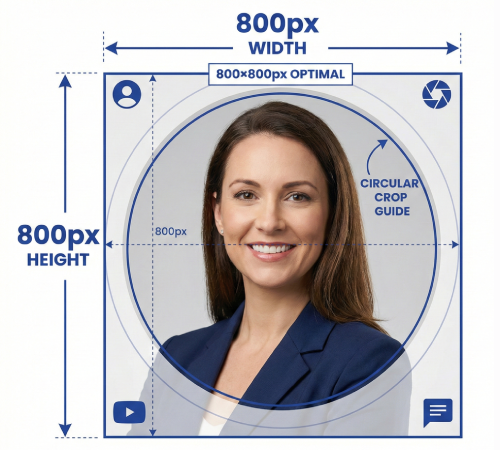
Profile Picture Dimensions Guide for All Social Platforms
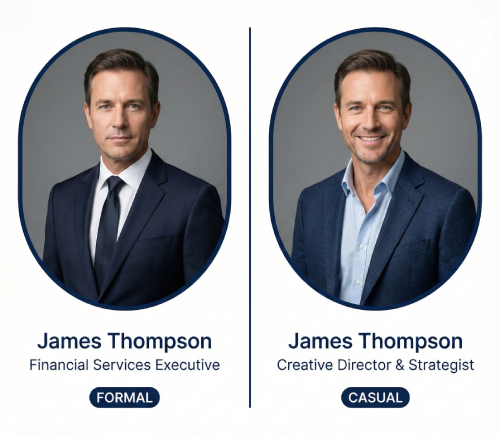
Professional vs. Casual Profile Pictures: Which is Right for You?
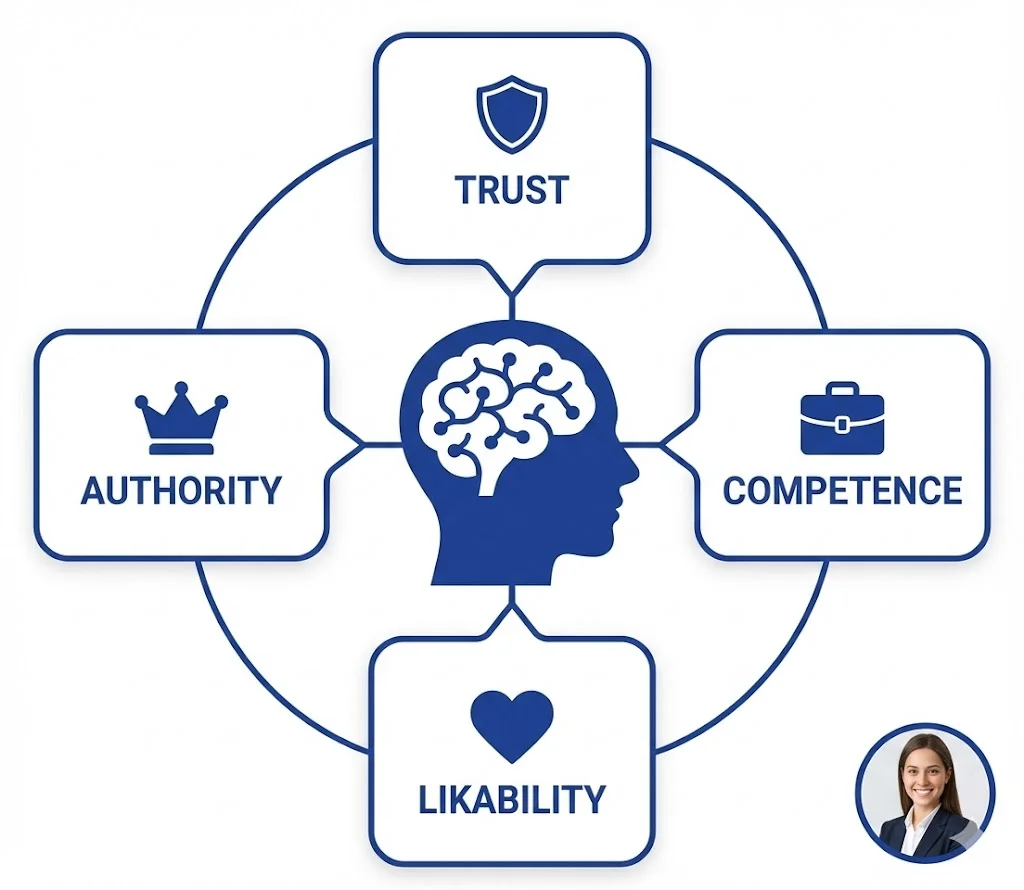
The Psychology of Profile Pictures in Professional Networking
How to Update Your LinkedIn Profile Picture Without Notifying Everyone
Step-by-Step Tutorial: Creating Your First Custom LinkedIn Frame
15 Common LinkedIn Profile Mistakes (And How to Fix Them)